
For families teaching at home
How Lumischool Works for Homeschool Families
Follow a curiosity, revisit an idea, or find their next step. The same lessons, on screen and on paper.
For ages 5 to 12 · On screen and on paper
Choose a lesson, work through it together, and build a routine that fits your family.
1. Look through the public lessons
The sample map and selected practice pages can be explored without an account. Try counting to five or rounding to the nearest hundred to see the kind of explanation and parent guidance you can use.
2. Start a family
A grown-up signs in with an email code and sets up the family. From the grown-up view, choose lessons and open a child's view. Children do not need an email address.
3. Work online or on paper
Online lessons combine written explanations, drawings and questions. The grown-up can also print a day's work. Read early questions aloud, use real objects when useful, and let the child's explanation guide your pace.
4. Use the map to see the journey
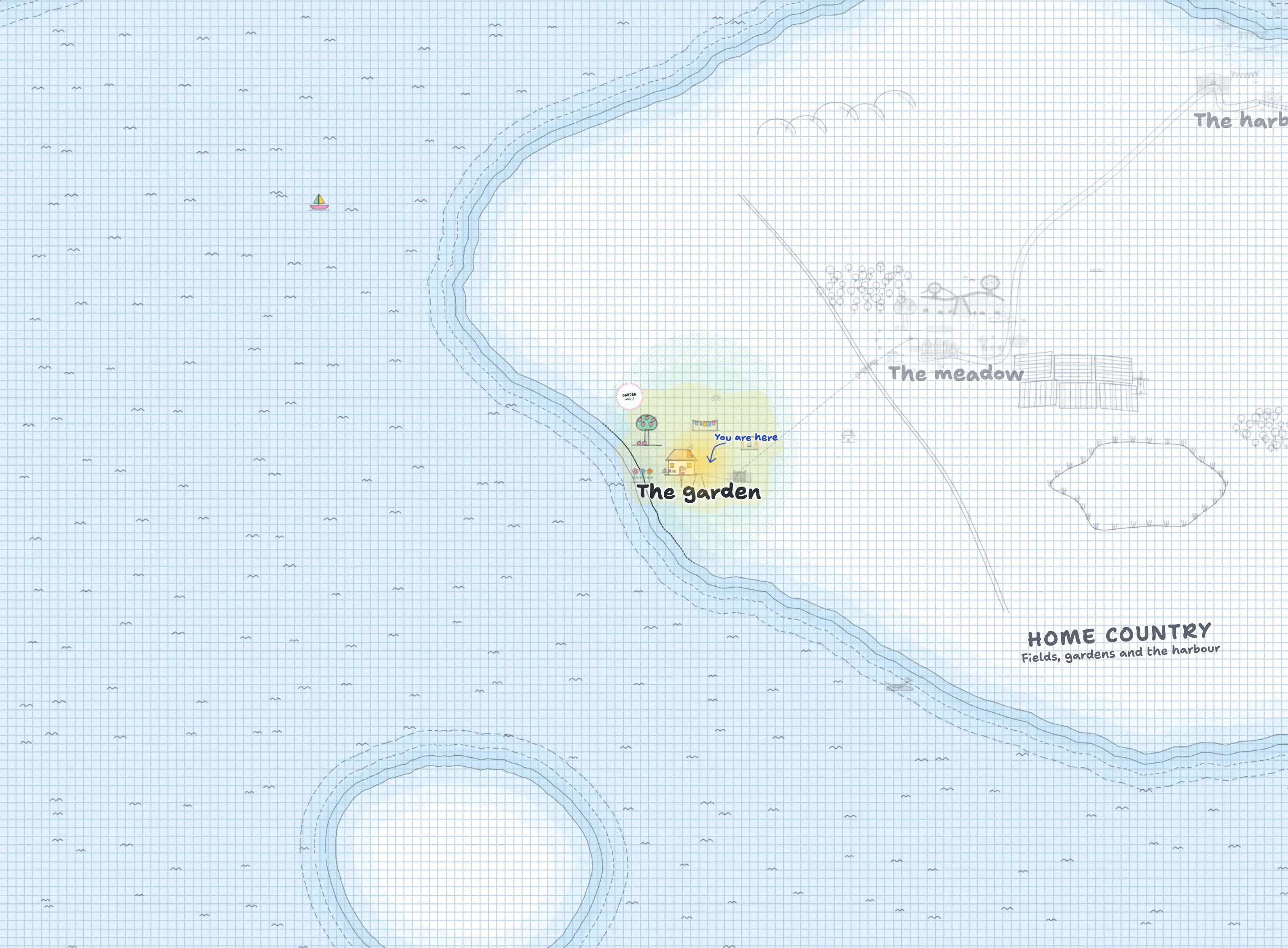
The map places lessons in illustrated worlds. Work in a subject helps bring parts of its world to life. A grown-up can choose the world's guide and weather. There are no streaks or timers pushing the child to hurry.
Explore the sample child's map5. Review and adjust
Use the grown-up screens to review the child's work and plan the next lessons. Revisit skills that need more practice. The catalogue includes more than maths, but coverage varies: inspect the subjects we teach when planning.
Questions about access
Contact support@lumischool.ai for help with getting started or questions about access. Read the privacy policy before creating a family.